
Guides
Night Map ESP Settings for Hunt Showdown Cheats
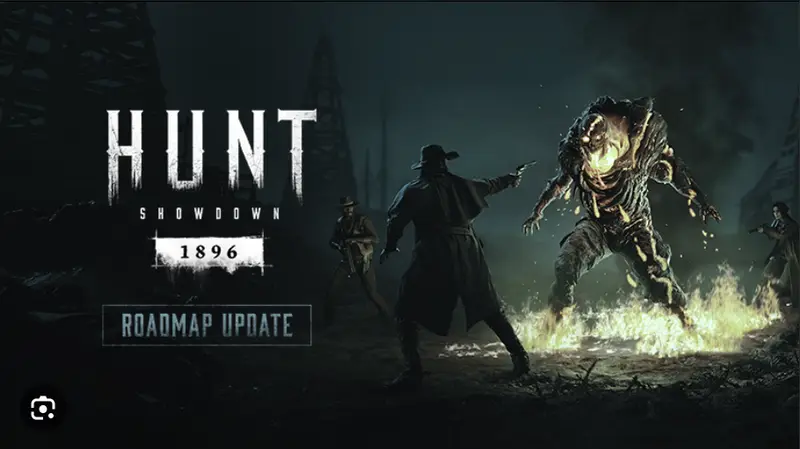
Gameplay imagery — save official screenshots from IGN Hunt: Showdown to match map and weapon topics.
Night maps in Hunt are brutal for visibility. Torch light, fog, and fire bombs wash out default ESP colors. A few setting changes make Hunt Showdown cheats readable in the dark.
Color and opacity tuning
Switch ESP box color to cyan or bright green for night. Red and orange blend into firelight and muzzle flash.
Raise outline thickness and lower fill opacity. Skeleton mode reads cleaner than solid boxes when torch bloom hits the screen.
The ESP cheat page lists recommended night presets. Import them before your first dark map session.
Distance tags at night
Cap distance display at 120m outdoors. Beyond that, night fog hides players anyway — extra tags just clutter your view.
Inside compounds, remove the cap. Stair fights happen at 5–15m and you need every tag visible.
Health bars matter more at night because silhouettes disappear. Always enable health overlay on dark maps.
Night-specific play habits
Do not rely on ESP alone — audio still wins at night. Use ESP to confirm what you hear, not replace headset cues.
Fire bomb light helps enemies see you too. Wallhack shows players using your light as cover to push.
Stream-proof mode before recording night hunts. Bright ESP boxes pop on capture even when they look fine on your monitor.
Loader and performance
Night maps with full ESP load harder on GPU. See our FPS settings guide for frame rate tips.
If frames drop, disable loot ESP during night trios. Player boxes matter more than supply cache highlights.
Check loader FAQ for loader issues specific to night map sessions.
Hunt Showdown cheat pages
Buy and compare these Hunt Showdown cheat features — ESP, aimbot, wallhack, and radar from $35/mo.
Related Hunt Showdown cheat guides
Hunt Showdown ESP Guide: See Hunters Through Walls
Hunt Showdown ESP guide — player boxes, health bars, skeleton wallhack & boss ESP settings. Learn before you buy Hunt Showdown cheats from $35/mo.
ESP guideLawson Delta Compound ESP Tips for Hunt Showdown
Lawson Delta compound ESP guide — church holds, brick wall wallhack & sniper window reads. Hunt Showdown cheats for Louisiana's urban map.
Lawson Delta Compound ESPFPS Settings With Hunt Showdown Cheats — Performance Guide
Hunt Showdown cheat FPS guide — overlay settings, GPU load & in-game graphics for stable frames with ESP and radar.
FPS Settings With